
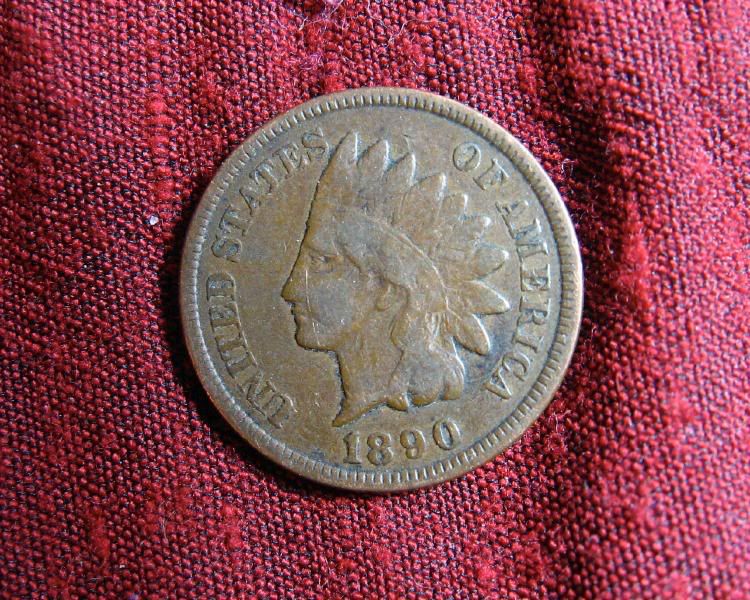
Here's two originals... no photo editing at all. These shots were done the same exact way as the ones I did with my Lumix. The only thing I didn't do was play around with the lighting.
I shot them in:
Program
Macro
auto ISO
Fluorescent lighting (white balance)
Drive mode: 2 sec timer (so there's no camera shake even with a tripod)
Color: Vivid
No flash
Evaluative (I haven't a clue what that is... )
)
Superfine Large file (highest quality)
In menu:
AiAF: off
Red eye: off
MF-point Zoom: off
AF assist beam off
Digital Zoom off
I measured 2" from the edge of the lens to the coin and this is what I got... (make sure you click the pic to enlarge)
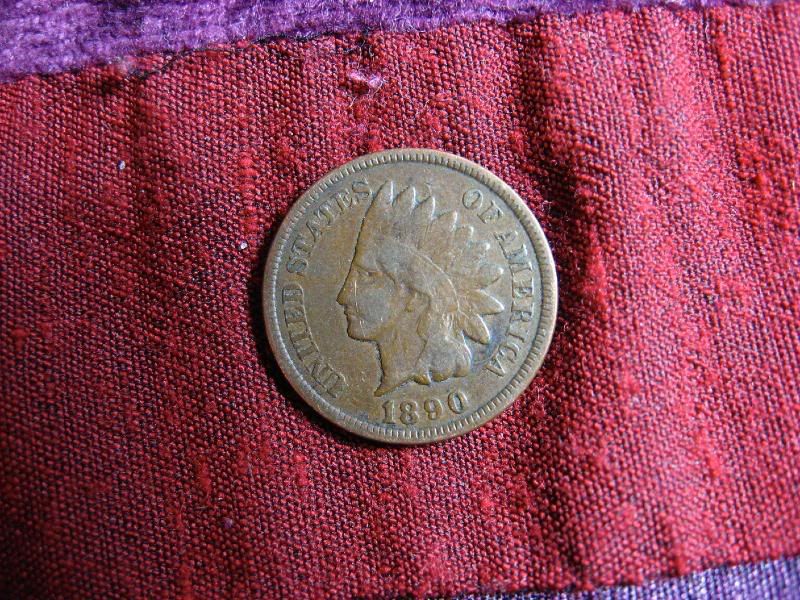

All I did next was crop them a bit. No other adjustments were made to the color or lighting.
Where the heck did that scratch come from??? I figured it out. Mike sent me 3 coins for Christmas and the plastic holder had staples holding the coin in. When I pulled out the coin tonight, I must have caught the staple. Ouch! (Sorry Mike )
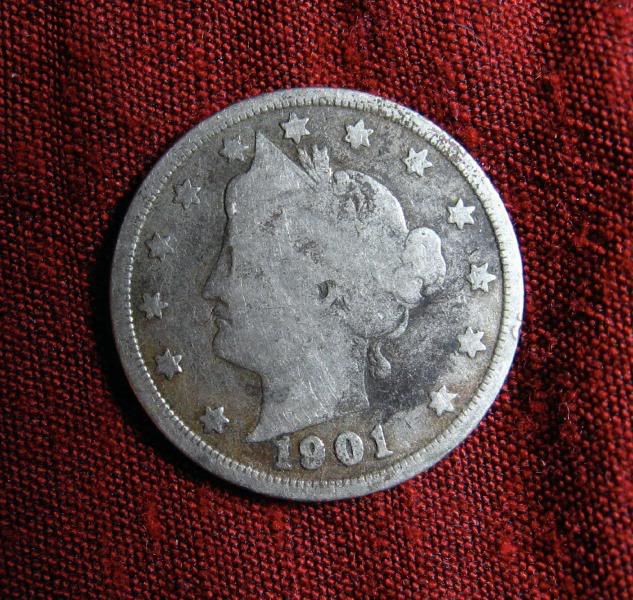
Since you're partial to rings, here's one (although I didn't play with the lighting (set up both lights, etc...) These were not cropped and taken a good 3" or more away from the lens.
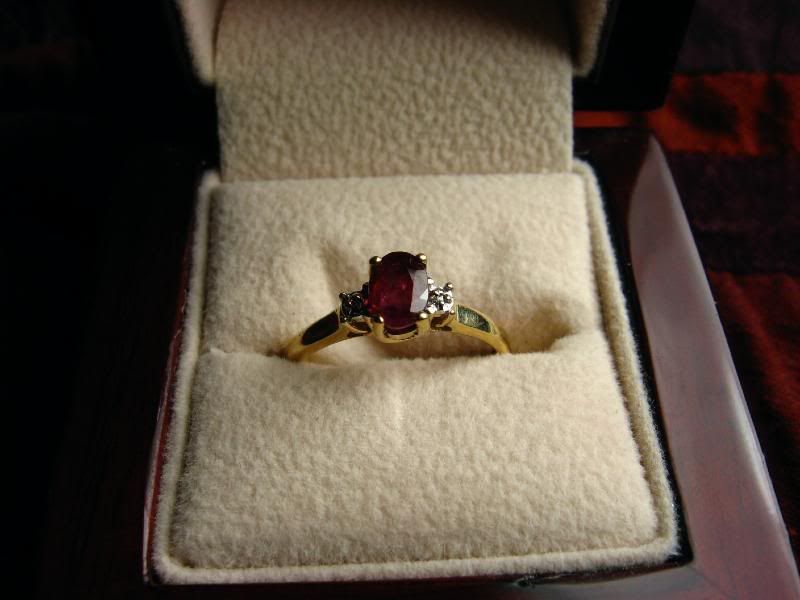
I did run it through Photoshop and added a little lighting affects
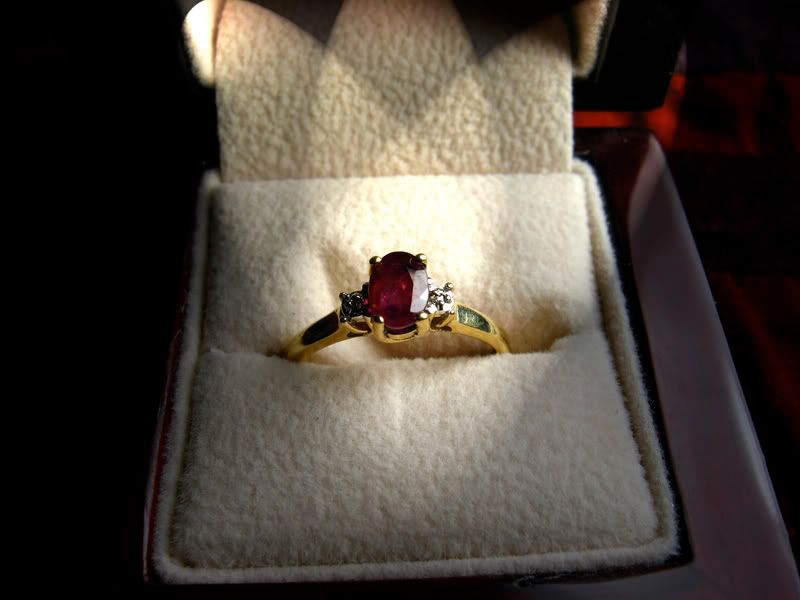
So, have no fear Steve, you picked a good camera I haven't even read the manual yet so I used what I thought would be good basic settings. I'm sure all of these could be fined tuned with proper lighting and settings. As is, I think they're pretty good shots I'm sure Doug can give more insight on how to improve your pics with that camera....
Joe
I shot them in:
Program
Macro
auto ISO
Fluorescent lighting (white balance)
Drive mode: 2 sec timer (so there's no camera shake even with a tripod)
Color: Vivid
No flash
Evaluative (I haven't a clue what that is...
)Superfine Large file (highest quality)
In menu:
AiAF: off
Red eye: off
MF-point Zoom: off
AF assist beam off
Digital Zoom off
I measured 2" from the edge of the lens to the coin and this is what I got... (make sure you click the pic to enlarge)
All I did next was crop them a bit. No other adjustments were made to the color or lighting.
Where the heck did that scratch come from??? I figured it out. Mike sent me 3 coins for Christmas and the plastic holder had staples holding the coin in. When I pulled out the coin tonight, I must have caught the staple. Ouch! (Sorry Mike
)
Since you're partial to rings, here's one (although I didn't play with the lighting (set up both lights, etc...) These were not cropped and taken a good 3" or more away from the lens.
I did run it through Photoshop and added a little lighting affects
So, have no fear Steve, you picked a good camera
I haven't even read the manual yet so I used what I thought would be good basic settings. I'm sure all of these could be fined tuned with proper lighting and settings. As is, I think they're pretty good shots I'm sure Doug can give more insight on how to improve your pics with that camera....Joe

 The iMac with the Leopard OSX is the way to go (I need to upgrade to that). The more I work on PC's (especially with Vista), the more I appreciate the Mac. Our Mac didn't come with all that stuff like Office and Photoshop. Photoshop is incredibly expensive but students / teachers get a pretty good discount. On the whole, the Macs cost quite a bit too, much more than PC's (especially for laptops) Go to Apple.com to see what's available and what the operating software can do. One great advantage is... no viruses. I've had a mac forever and NEVER had a problem. (I do have antivirus software, just in case) The macs are also much better for desktop publishing, photography, movies, etc. I just think they're faster and less confusing than PC's. My iMac basically looks just like a flat screen monitor about 4 or 5" thick. No tower... everything is built in; even the DVD / CD drive and webcam. Cool stuff